What is Veo 3.1 and how does it work?
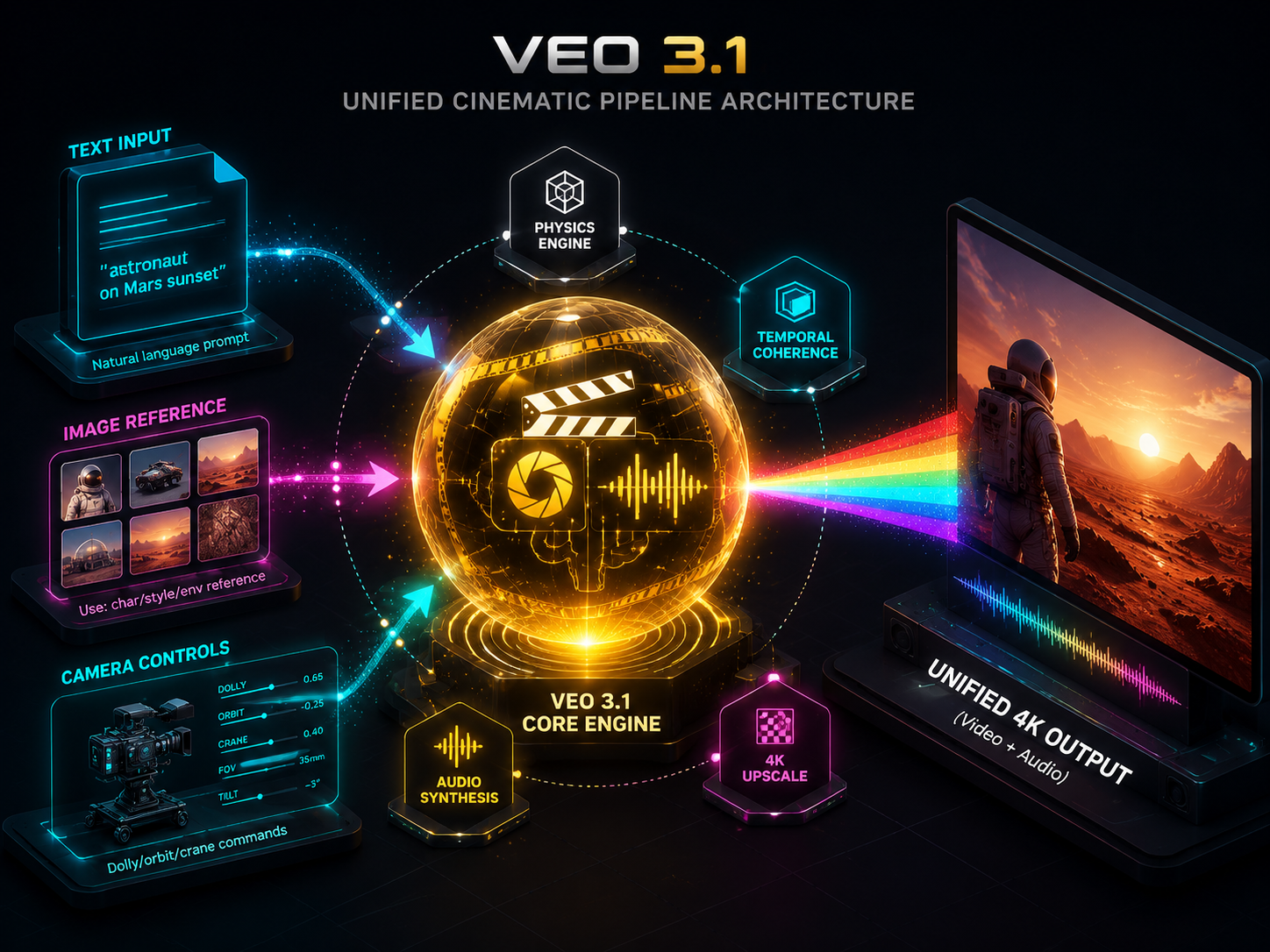
Veo 3.1 is Google DeepMind's flagship AI video model. It turns text and image inputs into cinema-grade 4K video with native audio, scene extension, and precise object editing.
Veo 3.1 vs Sora — how do they compare?
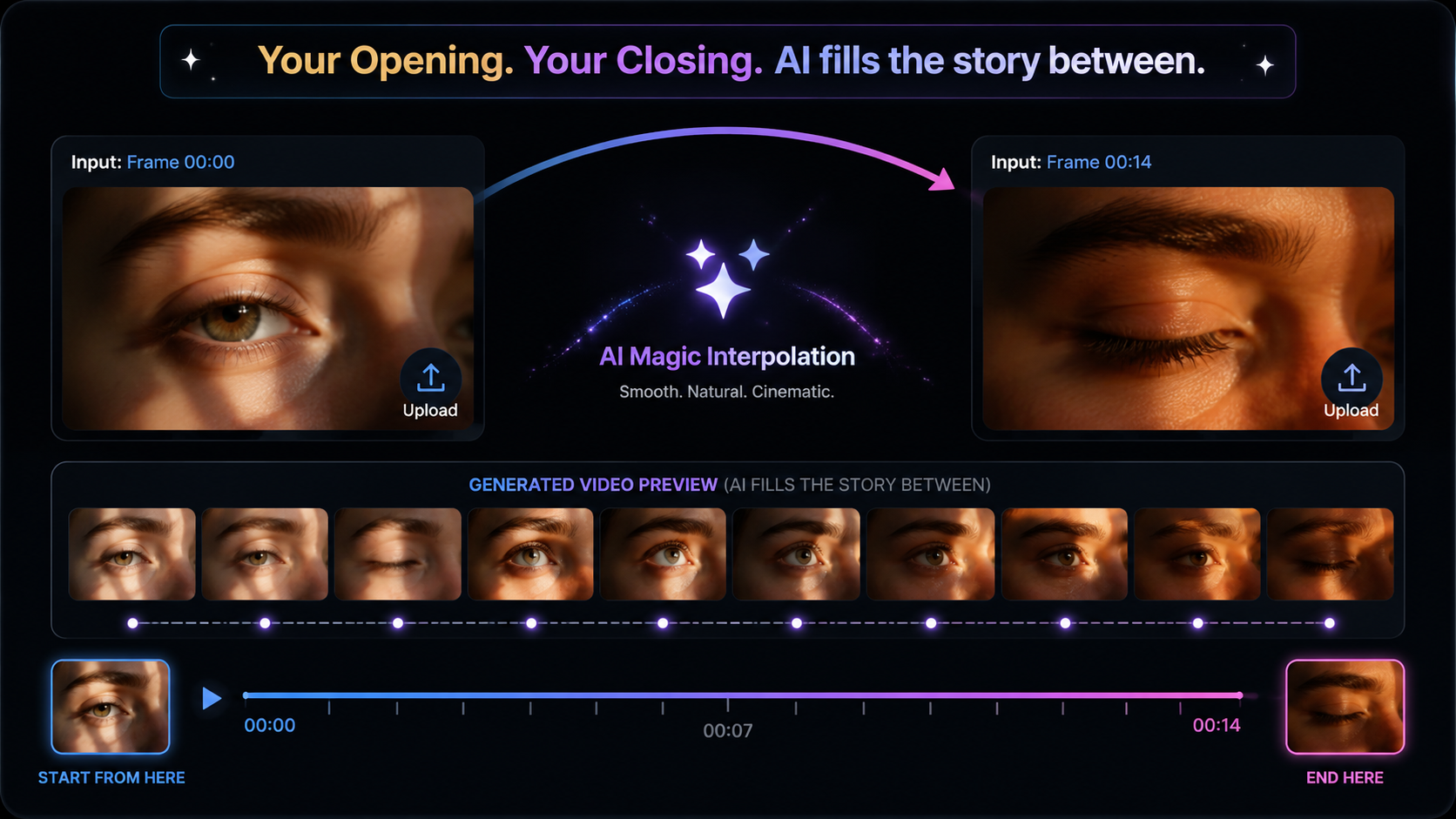
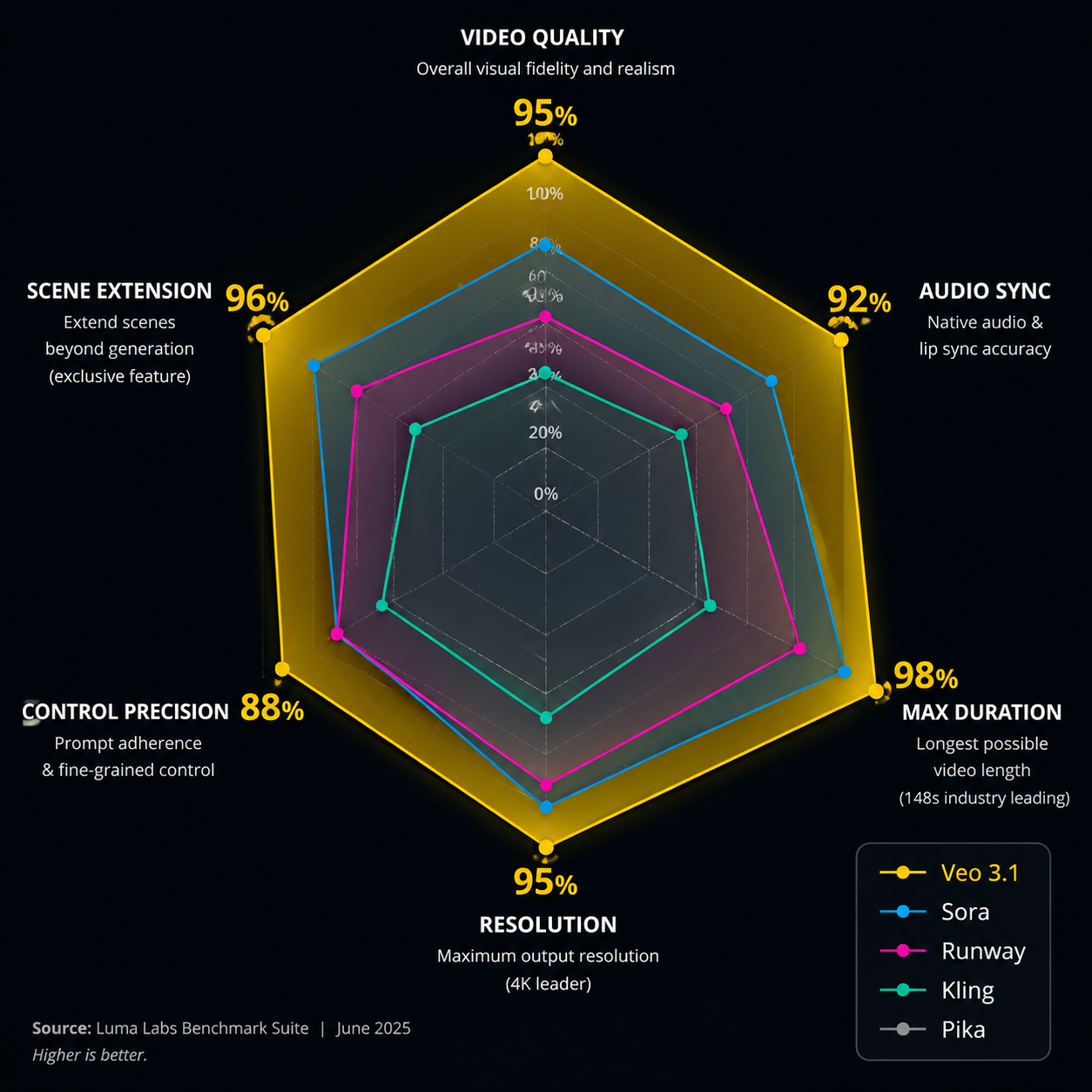
Veo 3.1 differentiates with native joint audio-video generation, exclusive scene extension, up to 4K resolution, 148-second max duration, and first/last frame control — making it a strong choice in any Veo 3.1 vs Sora comparison for cinematic production workflows.
How is Veo 3.1 different from Runway and Kling?
Runway excels at stylized motion and editor integrations; Kling focuses on localized Chinese workflows. Veo 3.1 leads with Google DeepMind research, native A/V sync, scene extension AI video, and director-level camera control.
What resolution and video length can Veo 3.1 generate?
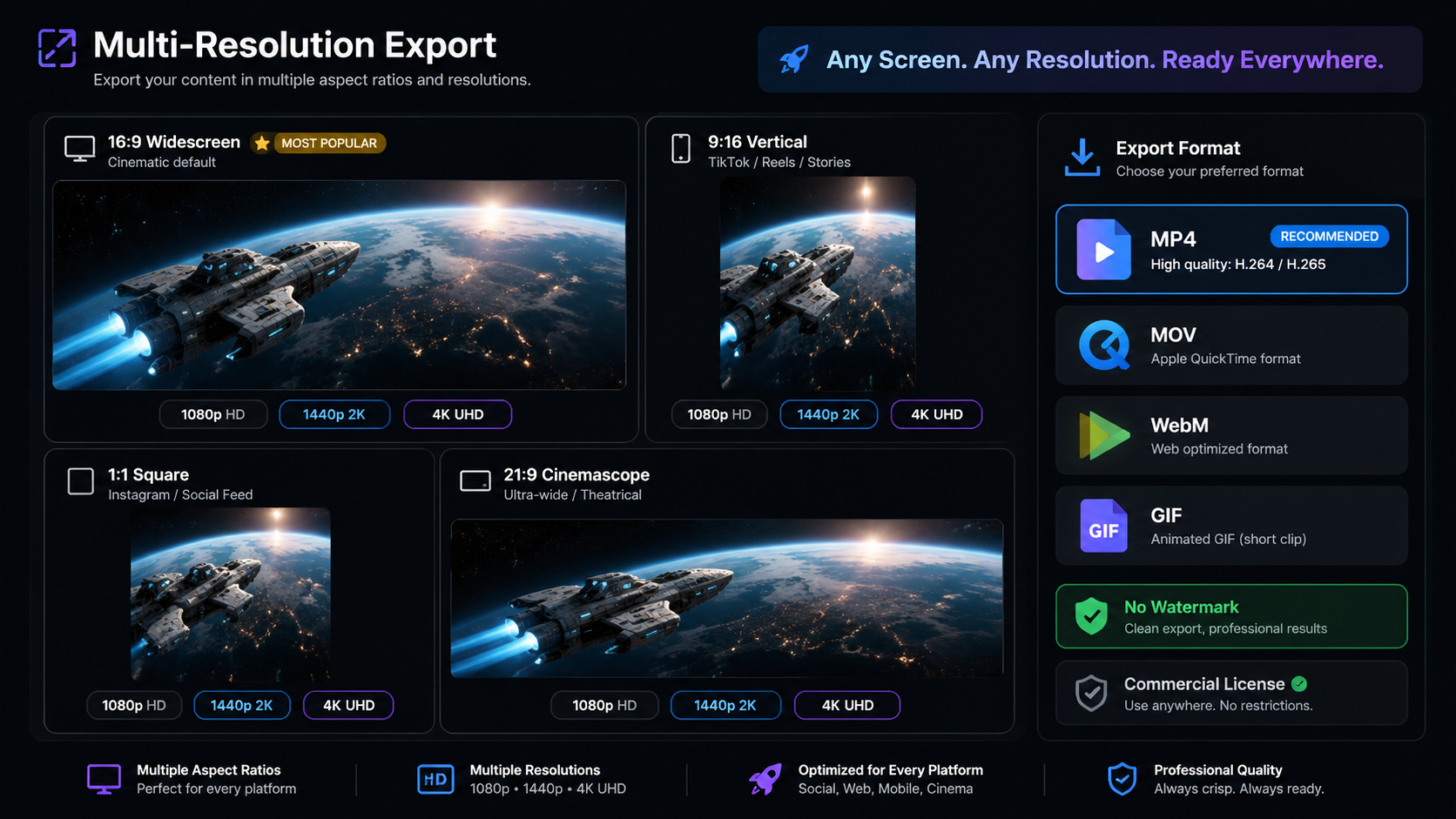
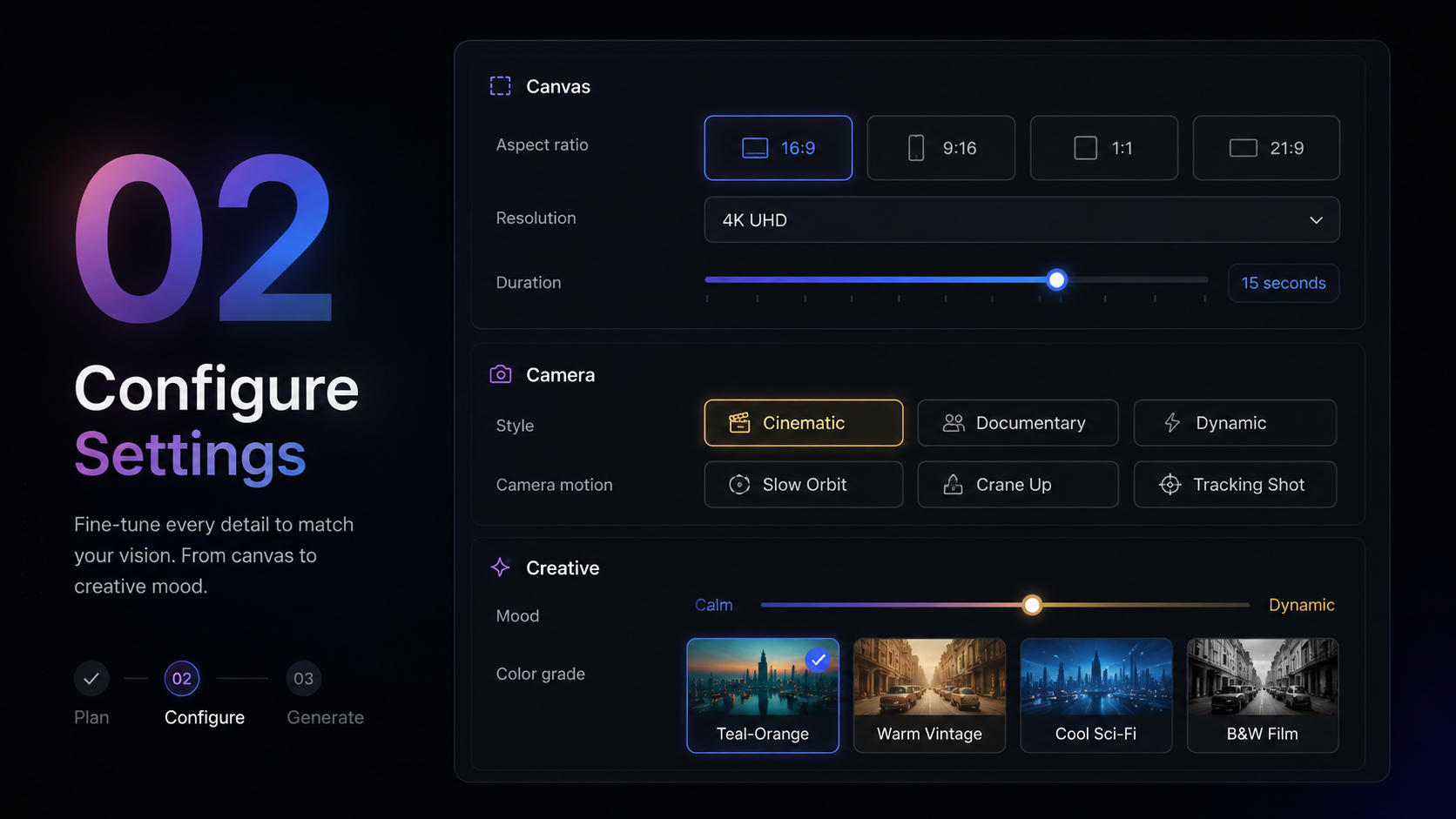
Up to 4K UHD (3840×2160), maximum 148 seconds per generation, with 720p through 4K export options and multiple aspect ratios.
Does Veo 3.1 generate audio along with video?
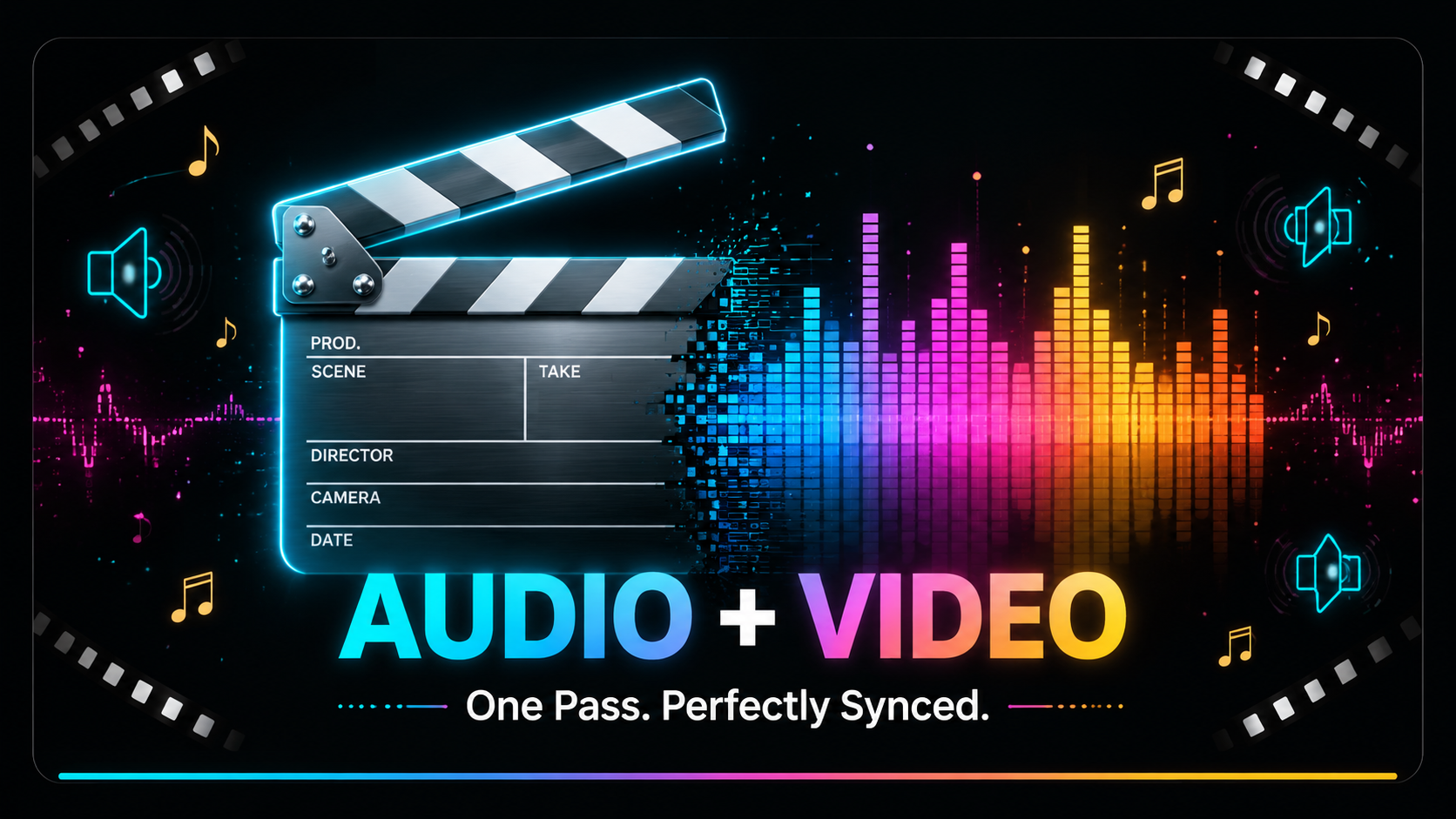
Yes. Veo generates dialogue with lip-sync, sound effects, ambient audio, and music together in a single pass — no separate audio workflow required.
What is scene extension and why is it useful?
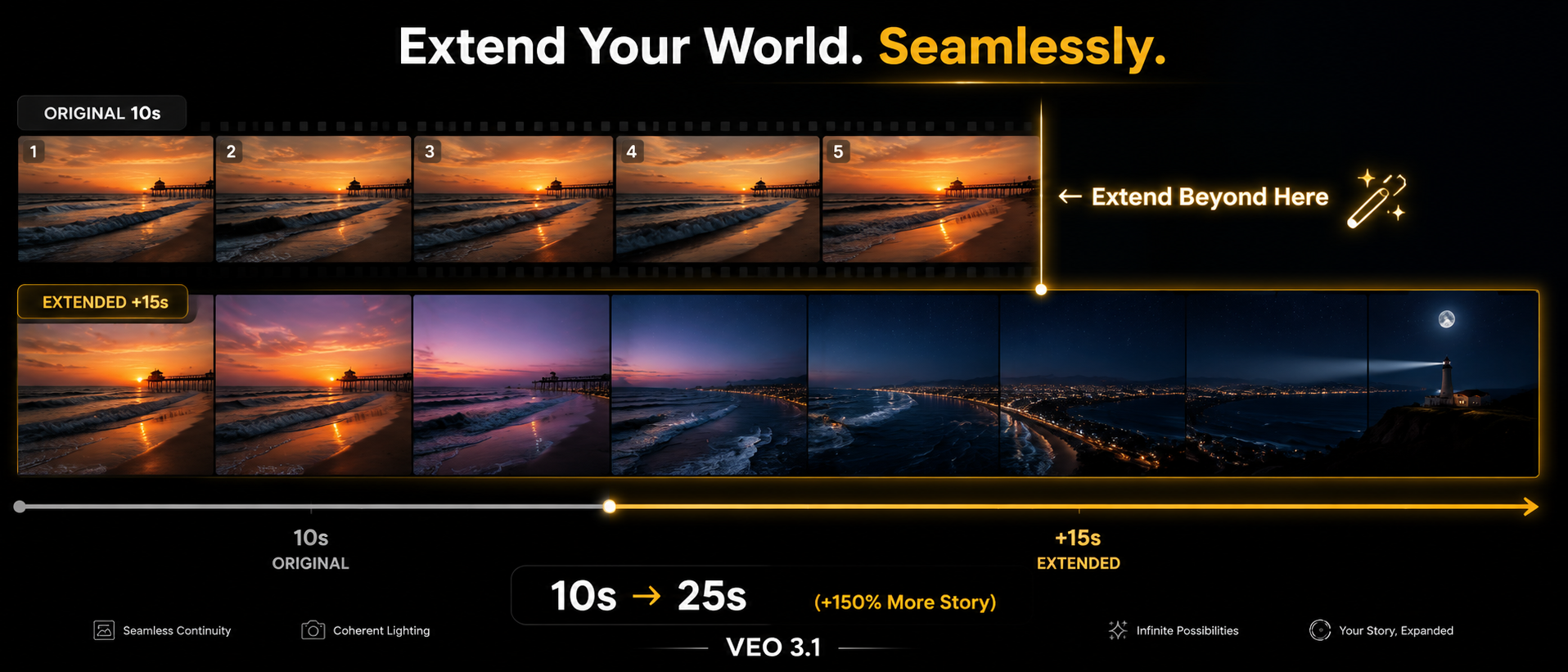
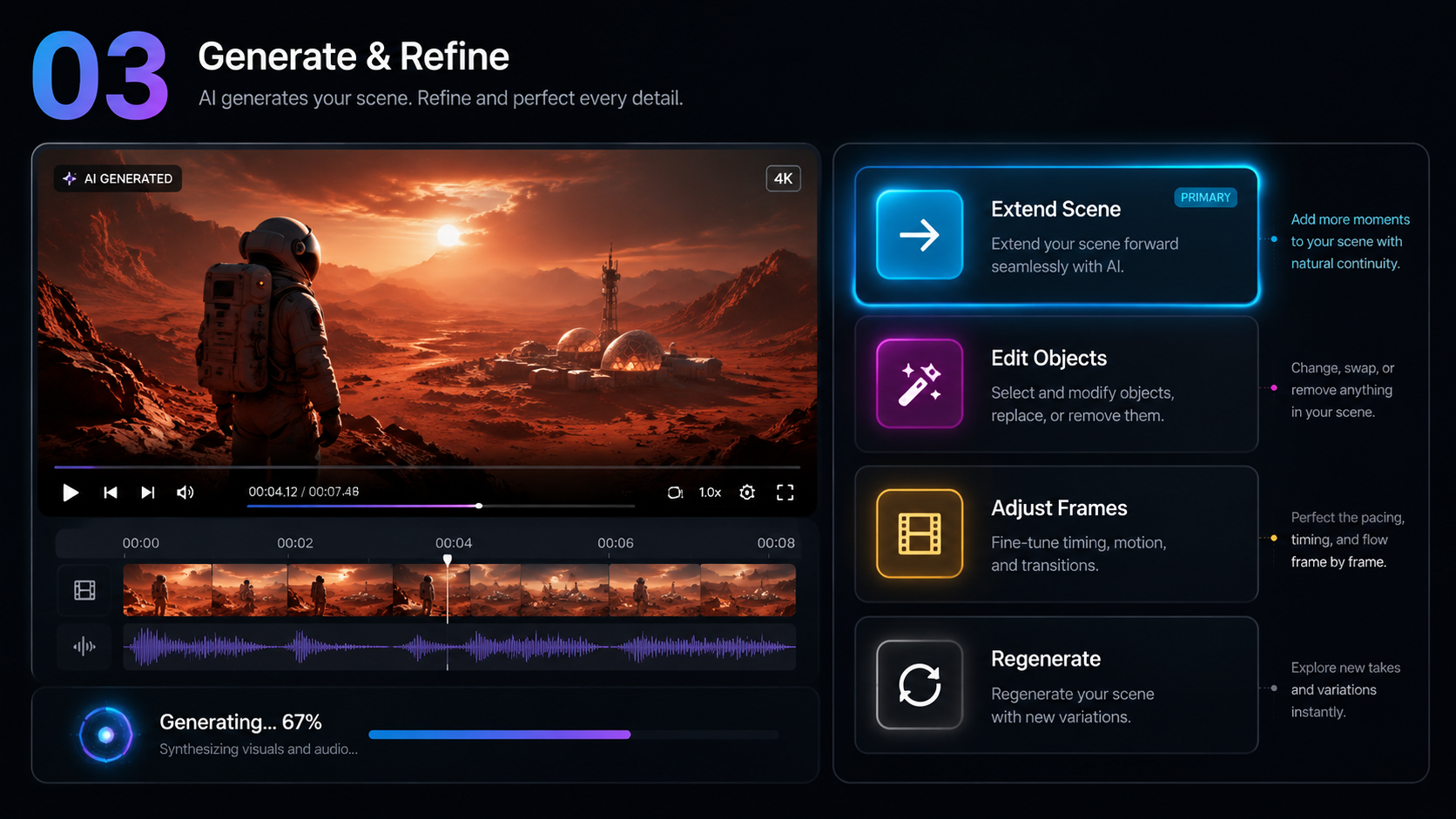
Scene extension lets you seamlessly expand an existing clip beyond its original frame and duration while preserving spatial and temporal coherence — saving costly reshoots.
Can I use Veo 3.1 videos for commercial purposes?
Paid plans provide watermark-free output with commercial usage rights for advertising, film, social, and enterprise production.
How do I control camera movements in Veo 3.1?
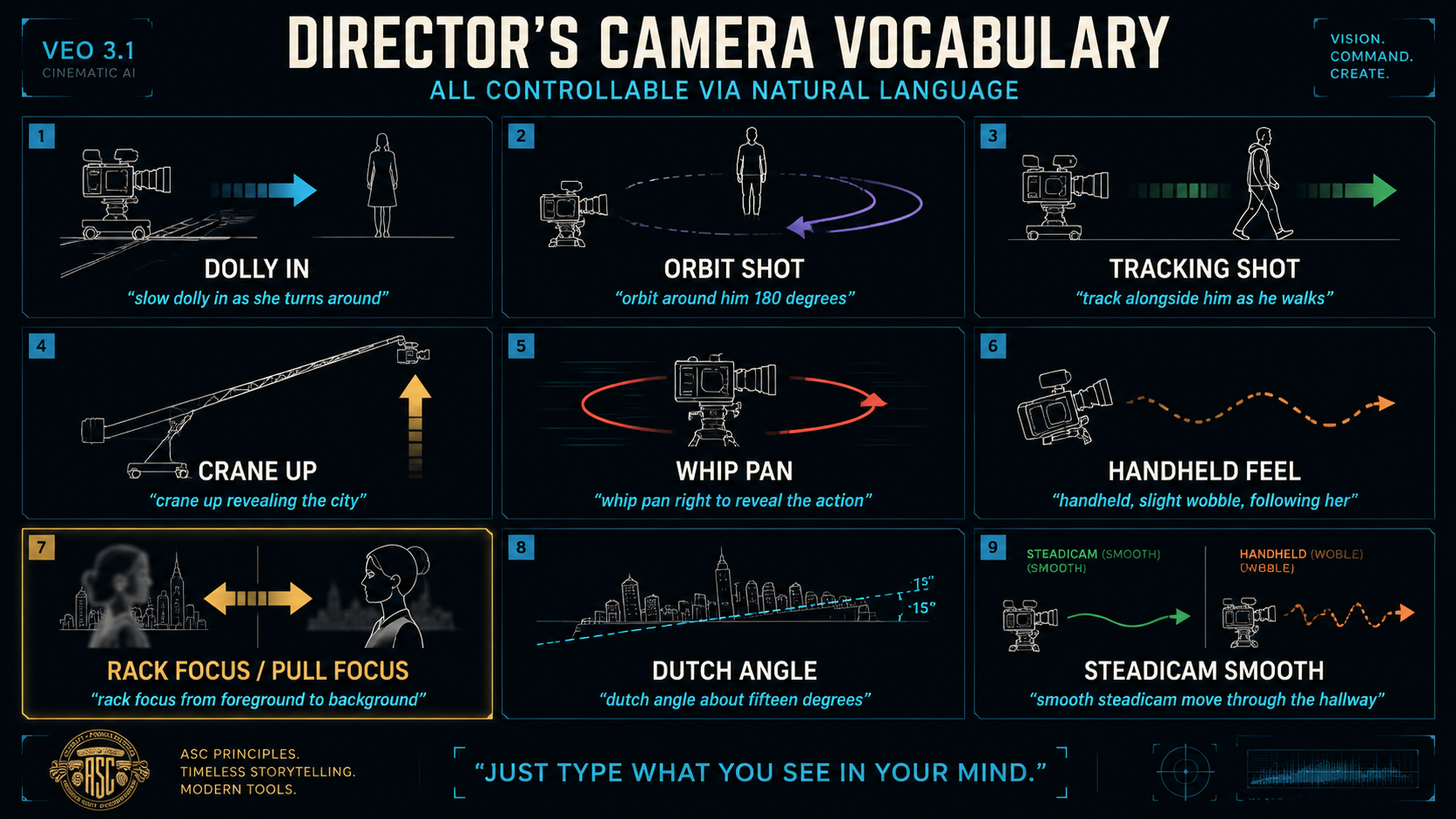
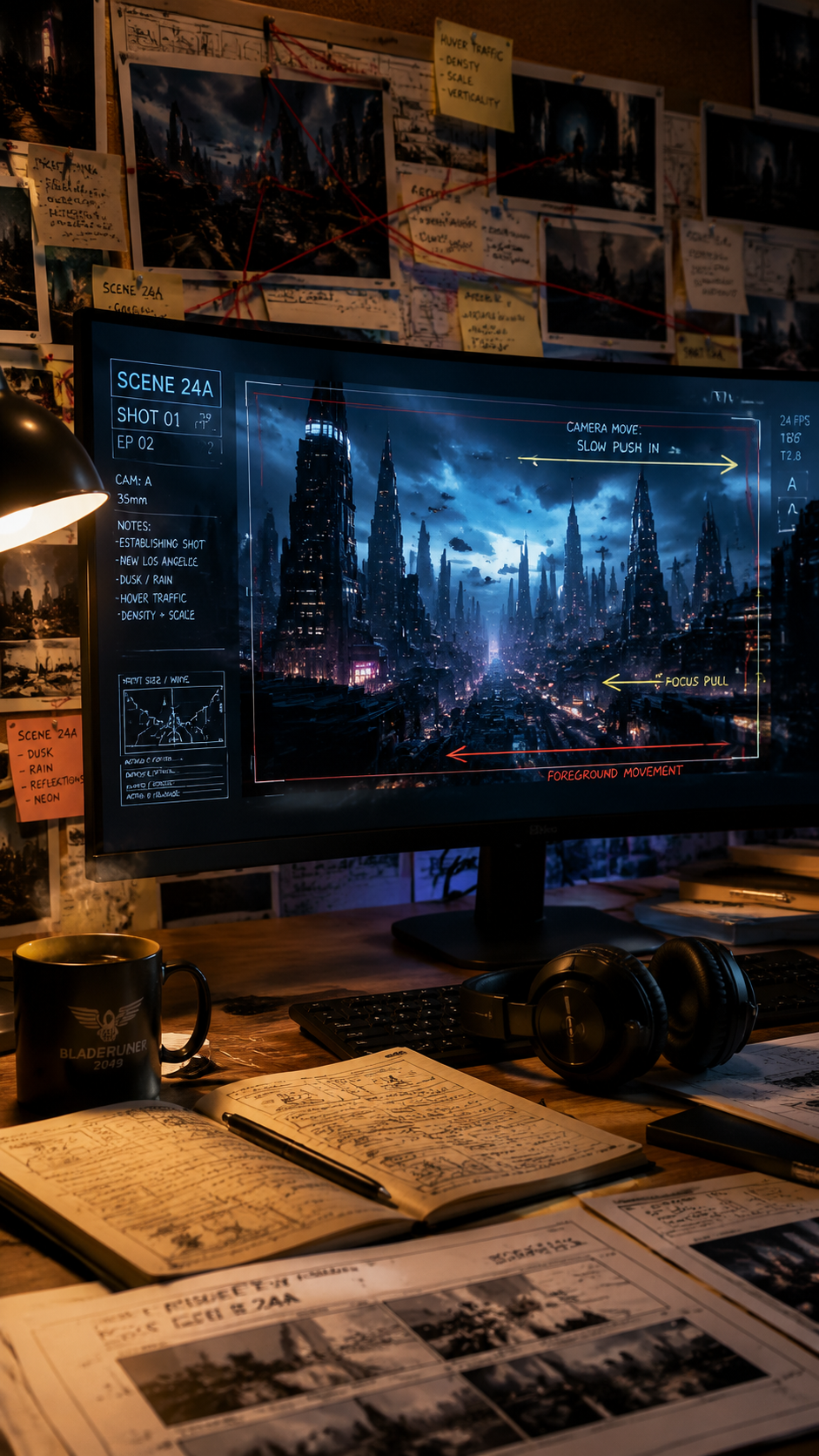
Describe any camera move in plain English — dolly, orbit, crane, tracking, whip pan, Hitchcock zoom, Dutch angle, Steadicam, rack focus, and more.
What is the pricing for Veo 3.1?
Start with a Veo 3.1 free trial on Easy AI Generated. Paid Veo 3.1 pricing plans include trial credits and commercial tiers — visit our pricing page for current quotas, API-style usage limits, and enterprise options.
How do I use Veo 3.1?
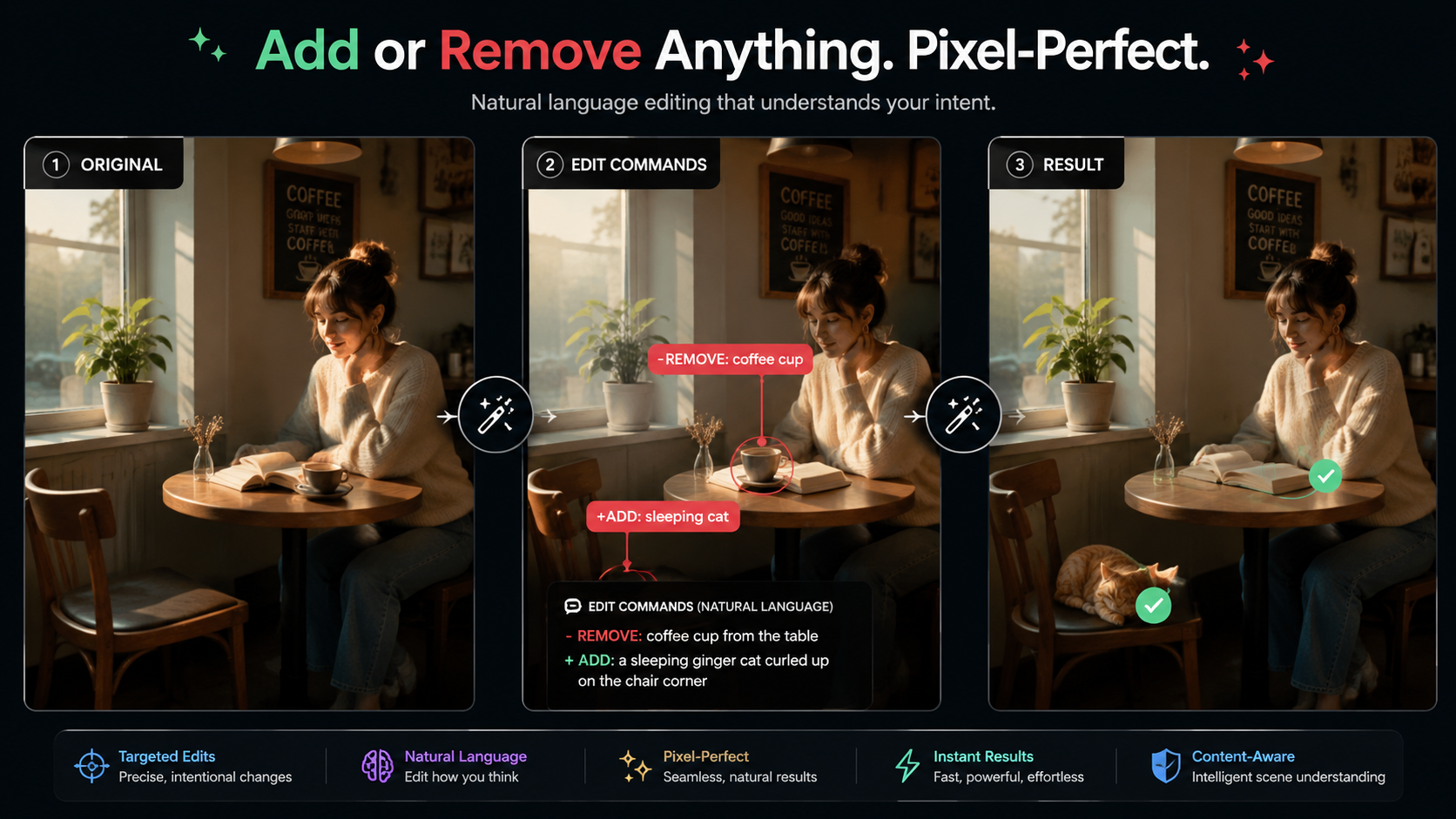
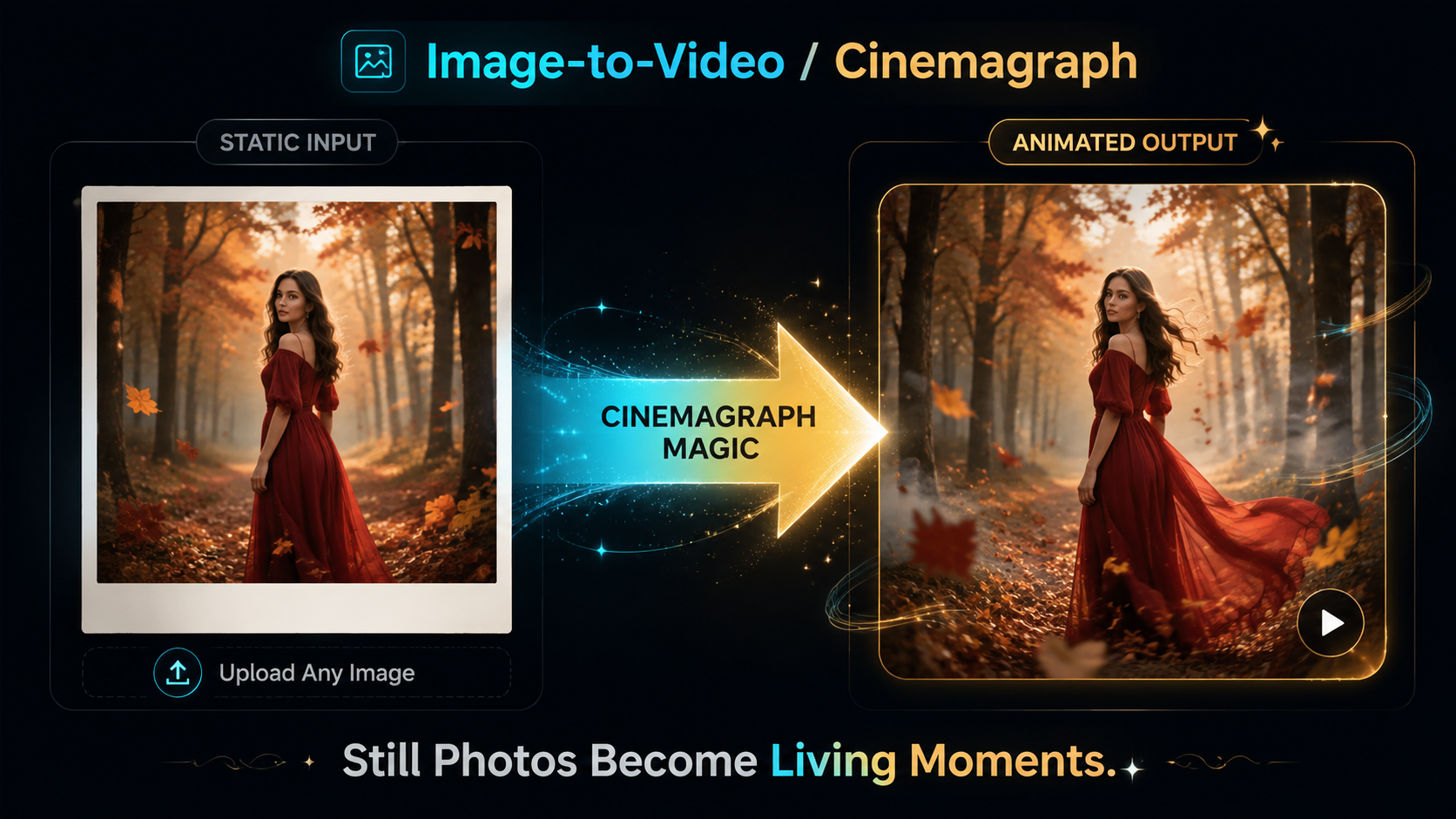
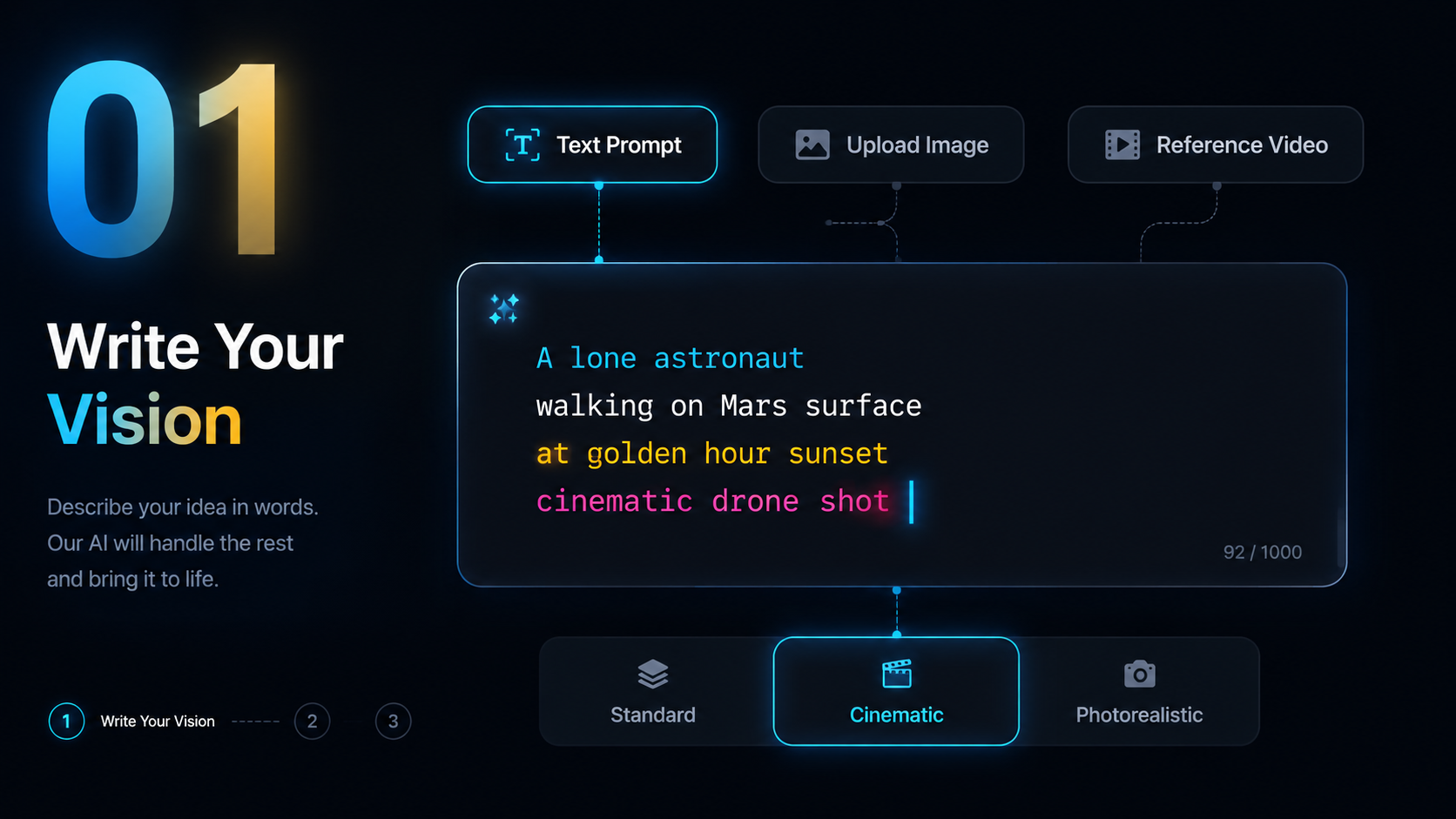
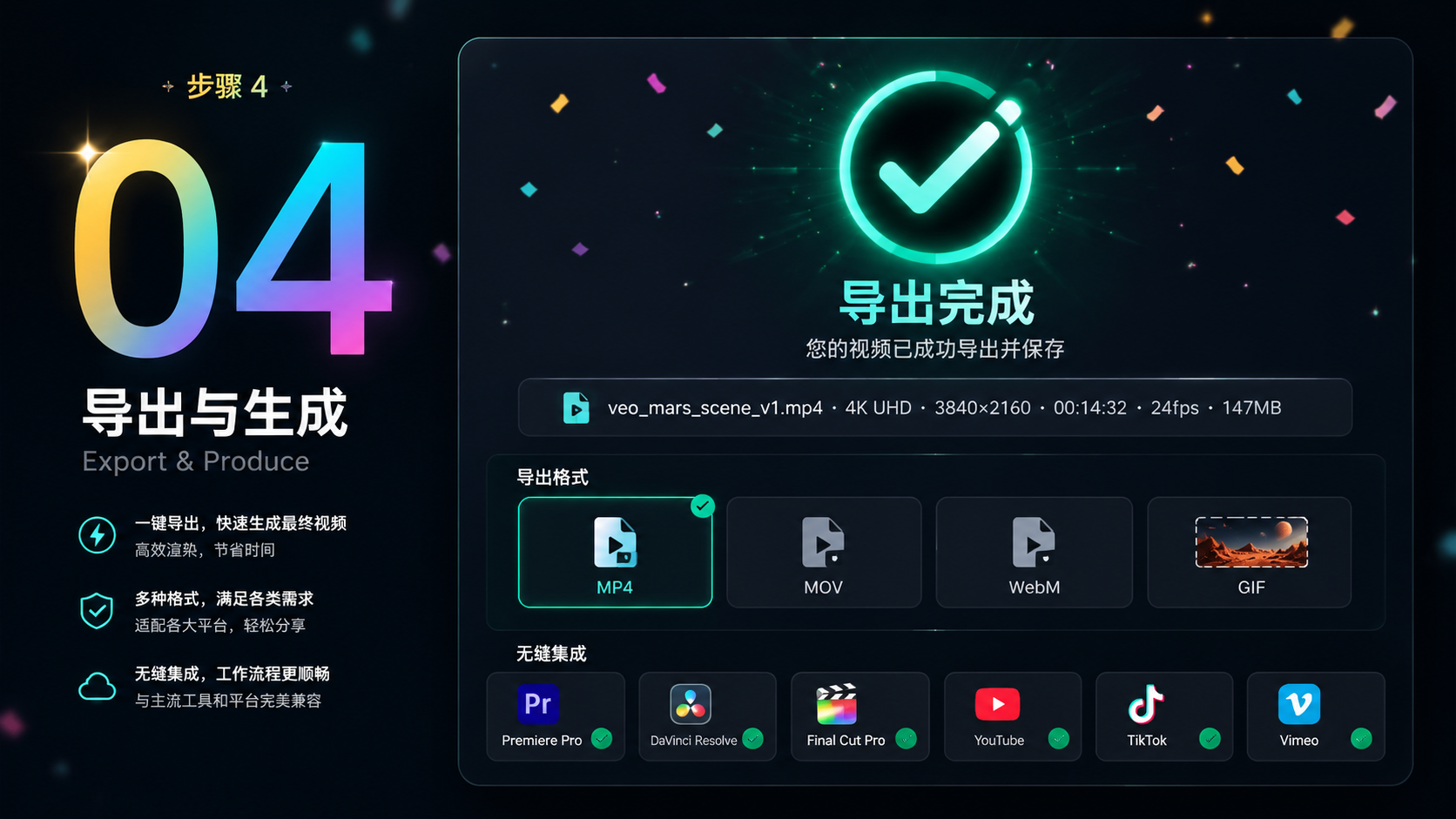
Write your vision or upload references, configure duration, aspect ratio, and resolution, then generate. Refine with scene extension, object editing, or frame controls. See the How to Use Veo 3.1 section above or open the text-to-video dashboard to begin.
Is Veo 3.1 the best AI video generator in 2025?
Veo 3.1 ranks #1 on VideoBench with cinema-grade 4K output, 148-second duration, and exclusive scene extension — widely regarded among the best AI video generator 2025 options for filmmakers and brands.
Where can I find a Veo 3.1 tutorial for beginners?
Start with the four-step How to Use Veo 3.1 walkthrough on this page, then practice in the text-to-video dashboard. Upload a reference image, describe camera movement in plain English, and iterate — the fastest Veo 3.1 tutorial is hands-on generation.
Does Veo 3.1 offer API access?
Production teams can scale Veo 3.1 through Easy AI Generated subscription plans with usage quotas suitable for API-style batch workflows. Contact us or review pricing for enterprise Veo 3.1 API access options.
Veo 3.1怎么用?支持中文吗?
支持。您可以用中文或中英混合提示词描述场景、运镜与角色。打开文生视频工作台,上传参考图,配置时长与画幅,即可开始 Veo 3.1 免费试用。详见本页「How to Use Veo 3.1」四步流程。
Veo 3.1价格是多少?
Easy AI Generated 提供含试用额度的订阅方案,具体 Veo 3.1 价格与商用授权请查看定价页。付费计划支持无水印 4K 导出与商业使用。